Play skribbl.io while you are on Discord
Discord does not host the canvas. You play on skribbl.io and talk in whatever voice channel you already have.
Research notes
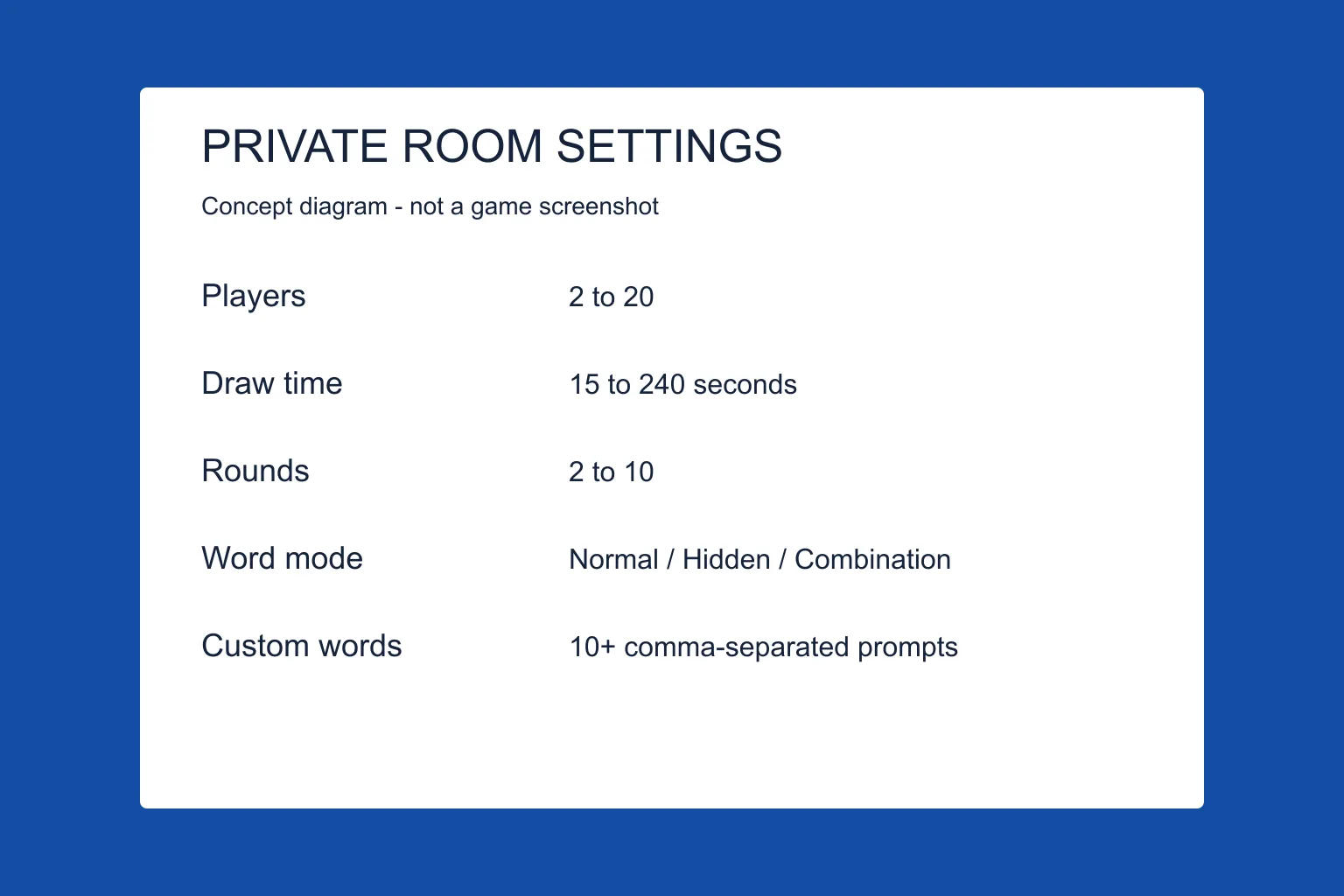
I looked through the skribbl.io homepage, news, and credits on 13 October 2026 and did not find an official Discord link or a bot command. The way a group actually plays is: one person creates a private room, pastes the invite into Discord, and everyone opens it.
A setup that matches the client
Create the private room first, then share its full invite URL in your group's Discord chat. Open it once and return to the existing game tab if the client reports You are already connected to this room. A second tab may be involved, but this review does not establish every trigger.
Screen-share the canvas if someone is only listening, but the guesser still has to type in their own browser. Watching a stream does not submit a guess.
Questions
Is there an official skribbl.io Discord?
I did not find one linked from skribbl.io. Community servers exist; they are not the game’s own support desk.
Can a bot draw for us?
I am not linking bots or extensions. The cheats page explains the risk.
More in this topic
Sources
- skribbl.io — Official rules, dated News, room word-language menu, and custom-word input. Checked 13 October 2026; not a gameplay test.
- skribbl.io client (game.js) — Client UI and error messages, not server-side guarantees. Its 10,000-character translation conflicts with the 20,000-character homepage input.