Join someone else’s skribbl.io room
Open the invite link in your browser. There is no separate numeric code printed in the client strings I read. The link is the invite.
- Get the invite: Ask the host for the complete skribbl.io room invitation URL.
- Open the link: Open that URL in a browser, enter a nickname, and join the room.
- Check an error: If the client reports that the room is missing or full, ask the host for a fresh invite or an available place.
Research notes
What the error tells you to check
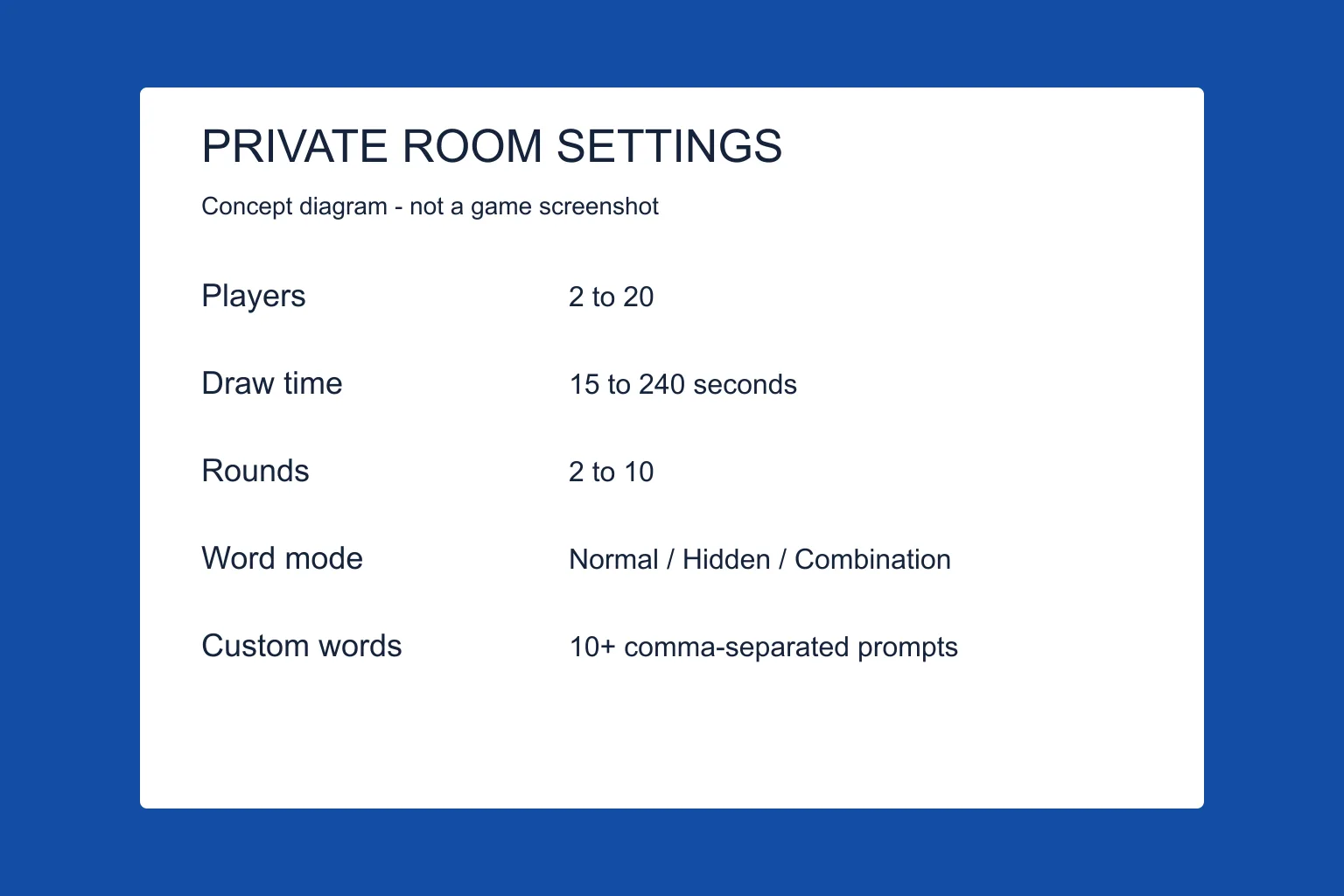
Room not found means the requested room was not found; ask the host for a current link and confirm the room is still open. Room is full reports the player cap, which can be set up to 20. Banned and kick cooldown name room restrictions; copying the same link again does not remove them.
Joining too quickly reports a join-rate restriction. Already connected reports an existing connection to that room. Too many users from your IP reports an address-based room limit; a shared school or office connection is one possible context, not a measured common cause.
| Client text | Next check |
|---|---|
| Room not found! | Current invite and room availability |
| Room is full! | Available space and host cap |
| You are already connected to this room! | Existing game connection or tab |
| Too many users from your IP | Simultaneous connections sharing an address |
Questions
Is there a join code?
Use the invite link. I did not find a separate public code field in the client strings.
Can I join from a phone?
Yes, in the mobile browser. The mobile page covers the keyboard settings.
More in this topic
Sources
- skribbl.io client (game.js) — Client UI and error messages, not server-side guarantees. Its 10,000-character translation conflicts with the 20,000-character homepage input.
- skribbl.io — Official rules, dated News, room word-language menu, and custom-word input. Checked 13 October 2026; not a gameplay test.